1.png)
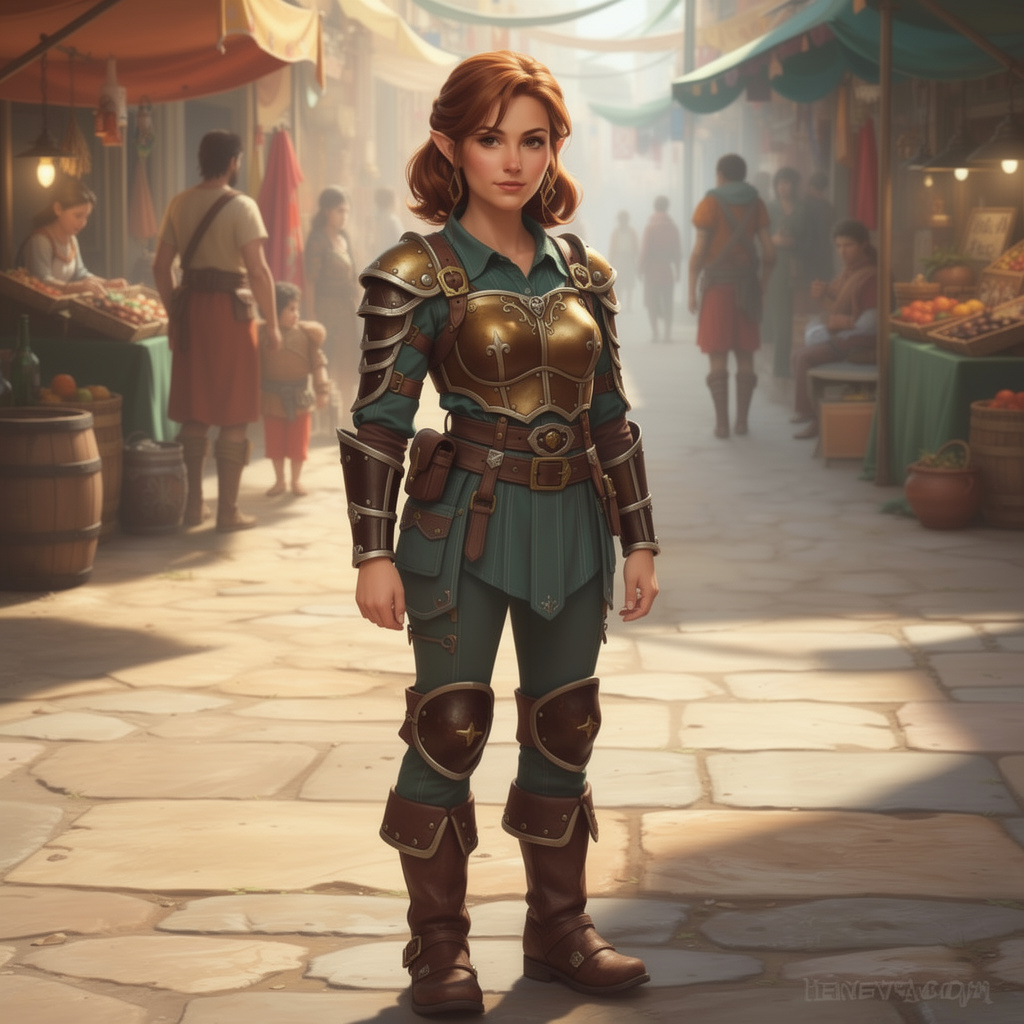
AI doesn't understand "small adult." It understands "child." Type "halfling" and you'll get a round-faced, wide-eyed kid every time. You need to describe adult features explicitly and aggressively.
Why It Happens
"Small humanoid" maps to "child" in the training data. In a portrait, height is invisible — you're showing a face that needs to read as adult without height context. The fix: stack adult markers.
What works:
- "mature adult face with laugh lines" — age markers children don't have
- "crow's feet around eyes" — specific aging detail
- "strong defined jawline" — children have round, soft jaws
- "wry knowing expression" — a smirk reads older than a wide-eyed grin
What doesn't work:
- "small person" or "short" — AI hears "child"
- "halfling adult" alone — not enough to override the default
Prompt Structure
Lead with adult descriptors. Don't mention "halfling" until you've established maturity.
[Age + adult descriptor] + [halfling] + [Mature features] + [Profession] + [Expression] + [Setting]
Example: "middle-aged adult halfling woman with curly auburn hair going gray at the temples, weathered face with deep laugh lines and shrewd hazel eyes, defined jawline, well-traveled leather coat with many pockets, knowing suspicious expression, busy market stall, natural daylight, detailed fantasy portrait"
Inpaint Fixes
Even good prompts sometimes produce child-like results. Common touch-ups:
- Jaw too round: Inpaint with "defined adult jawline, weathered skin"
- Eyes too large: Inpaint with "narrow adult eyes with crow's feet"
Troubleshooting
| Problem | Fix |
|---|---|
| Looks like a child | Stack 3+ adult markers: age, wrinkles, expression, jawline |
| Oversized head | "proportional adult features, normal head-to-body ratio" |
| Too cute | "weathered", "cynical", "stern" |
| Missing personality | Lead with profession: "veteran thief", "seasoned merchant" |