1.png)
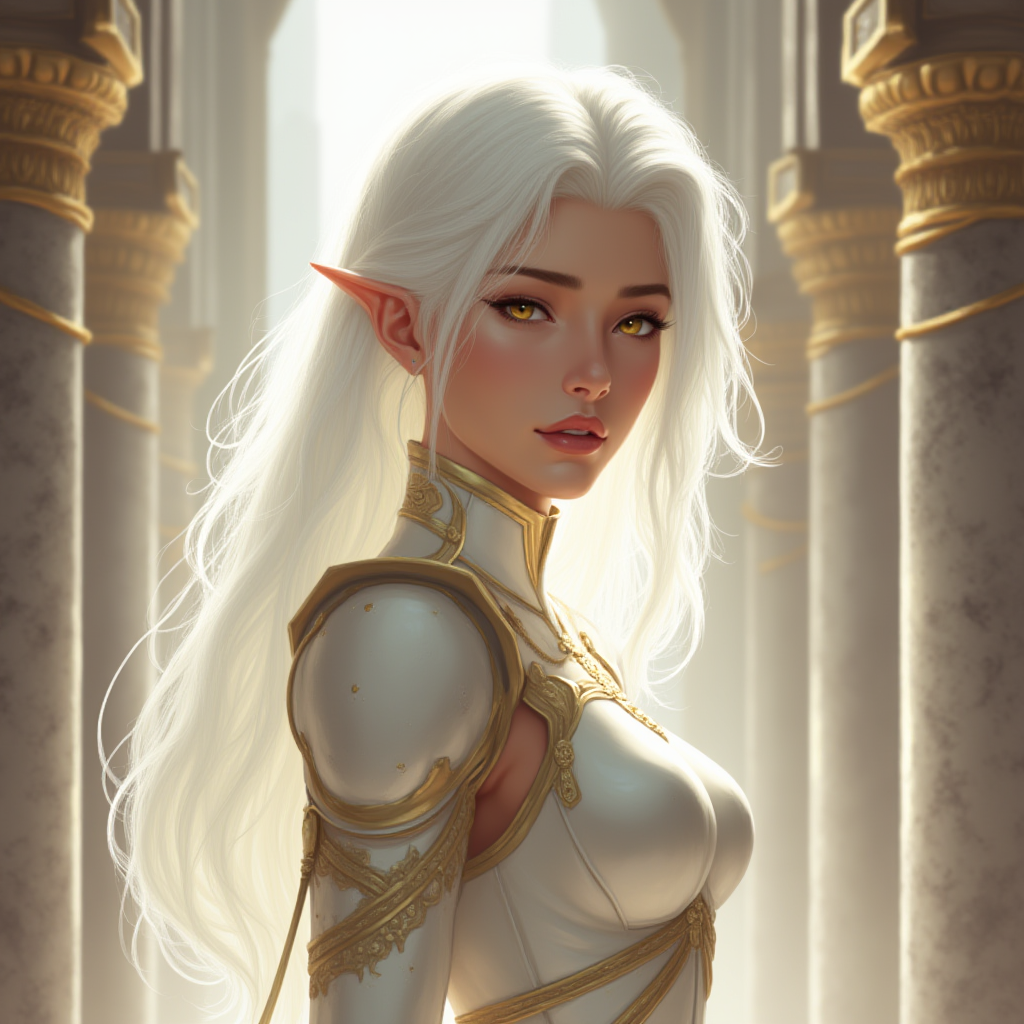
Tell an AI to draw an aasimar and you get an angel — wings, halo, Renaissance fresco. Aasimars are mortal people with celestial heritage. Describe celestial features as qualities of a person, not divine accessories.
"Eyes that seem to glow faintly from within" works. "Glowing divine eyes" triggers angel mode.
Celestial Features (Pick 2-3)
Eyes — the most reliable marker:
- "Eyes with faint inner luminosity"
- "Solid metallic gold irises"
- "Pupilless white eyes" (dramatic)
Skin:
- "Skin with faint golden warmth, as if lit from within"
- "Dark skin with subtle metallic undertones"
- "Pale skin with a pearlescent sheen"
Hair:
- "Silver-white hair regardless of apparent age"
- "Hair that catches light unusually, almost metallic"
Wings — use with caution, instantly triggers "angel":
- "Small vestigial wings, folded against back"
- Avoid "large feathered wings"
Halo — usually skip. It's the #1 trigger for full angel mode.
Subtypes
Protector: "watchful protective gaze", "warm golden undertones", "radiant but grounded"
Scourge: "crackling energy under skin", "intense burning eyes", "barely contained radiance"
Fallen: "faded celestial glow", "tarnished metallic sheen", "divine beauty with visible wear"
Prompt Structure
Lead with the mortal first, celestial second.
[Mortal identity] + [aasimar] + [2-3 celestial features] + [Clothing] + [Grounding expression] + [Mundane setting]
Example: "female aasimar knight with deep brown skin and faint golden warmth, silver-white hair cropped short, eyes with subtle inner luminosity, practical plate armor, tired determined expression, muddy camp at dusk, overcast gray light, detailed fantasy portrait"
Troubleshooting
| Problem | Fix |
|---|---|
| Full angel mode | "no wings, no halo, mortal aasimar" |
| Too perfect | Add dirt, sweat, scars, practical clothing |
| Renaissance painting | "gritty fantasy" style; mundane setting |
| Looks human | Add "faintly luminous eyes" — most reliable marker |