 1.png)
Creating a Genasi Character (That Doesn't Look Like a Special Effect)
You've designed a fire genasi blacksmith with a temper as hot as their forge—then the portrait looks like someone set a human on fire. Let's make the elemental nature feel natural.
The Prompt Formula
Most people type "genasi" and get over-the-top elemental results. The secret: specify element type and subtlety level. Genasi have elemental features, not elemental bodies.
[Who + element + race] + [Elemental features] + [Human features] + [Clothing] + [Expression] + [Composition] + [Setting] + [Lighting] + [Style]
Bad: "a genasi"
Good: "mature male fire genasi with smoldering orange eyes and hair like living flame, human features with reddish skin and subtle heat distortion, wearing leather smith's apron over simple tunic, intense focused expression, upper body portrait, forge background with glowing embers, warm firelight, highly detailed fantasy art"
AI needs the element type. Specify fire, water, air, earth, or their variants, and how the element manifests.
Negative Prompts
Tell the AI what to avoid:
"blurry, low quality, deformed hands, extra fingers, bad anatomy, disfigured face, duplicate, watermark, text, modern clothing, fully elemental, made of fire/water, special effects"
Quick Settings
Model: MythWeaver Licensed for balanced genasi. Artist models (like CaptDiablo) for more intense, elemental-dominant genasi.
When Things Go Wrong
| Problem | Fix |
|---|---|
| Too elemental | Add "human-like features", "subtle elemental traits" |
| Wrong element | Be explicit: "fire genasi", "water genasi", "air genasi", "earth genasi" |
| Missing element | Mention specific features: "flame hair", "watery skin", "wind-swept" |
| Looks like human | Emphasize element type and elemental features |
Free Editing Tools
Once you're 80% there, finish with MythWeaver's free tools:
- Inpaint — Fix specific areas
- Upscale — Higher resolution
- Background swap — Change the setting
Genasi Feature Keywords
Copy-paste these to make genasi actually look genasi:
Fire Genasi:
- "smoldering orange/red eyes"
- "hair like living flame"
- "reddish skin"
- "subtle heat distortion"
Water Genasi:
- "blue-green skin"
- "hair like flowing water"
- "liquid eyes"
- "moist glistening skin"
Air Genasi:
- "pale blue skin"
- "wind-swept hair"
- "cloud-like features"
- "ethereal appearance"
Earth Genasi:
- "stone-gray skin"
- "crystal-like eyes"
- "rocky texture"
- "earthy tones"
Full Example
Prompt: "Portrait of a mature male fire genasi with smoldering orange eyes and hair like living flame that moves subtly, human-like features with reddish-tan skin and subtle heat distortion around edges, wearing leather smith's apron over simple tunic, intense focused expression, upper body, forge background with glowing embers and anvil, warm firelight casting dramatic shadows, highly detailed fantasy art"
Negative: "blurry, low quality, deformed, bad anatomy, extra fingers, watermark, modern clothing, fully elemental, made of fire, special effects, CGI"
Model: MythWeaver Licensed
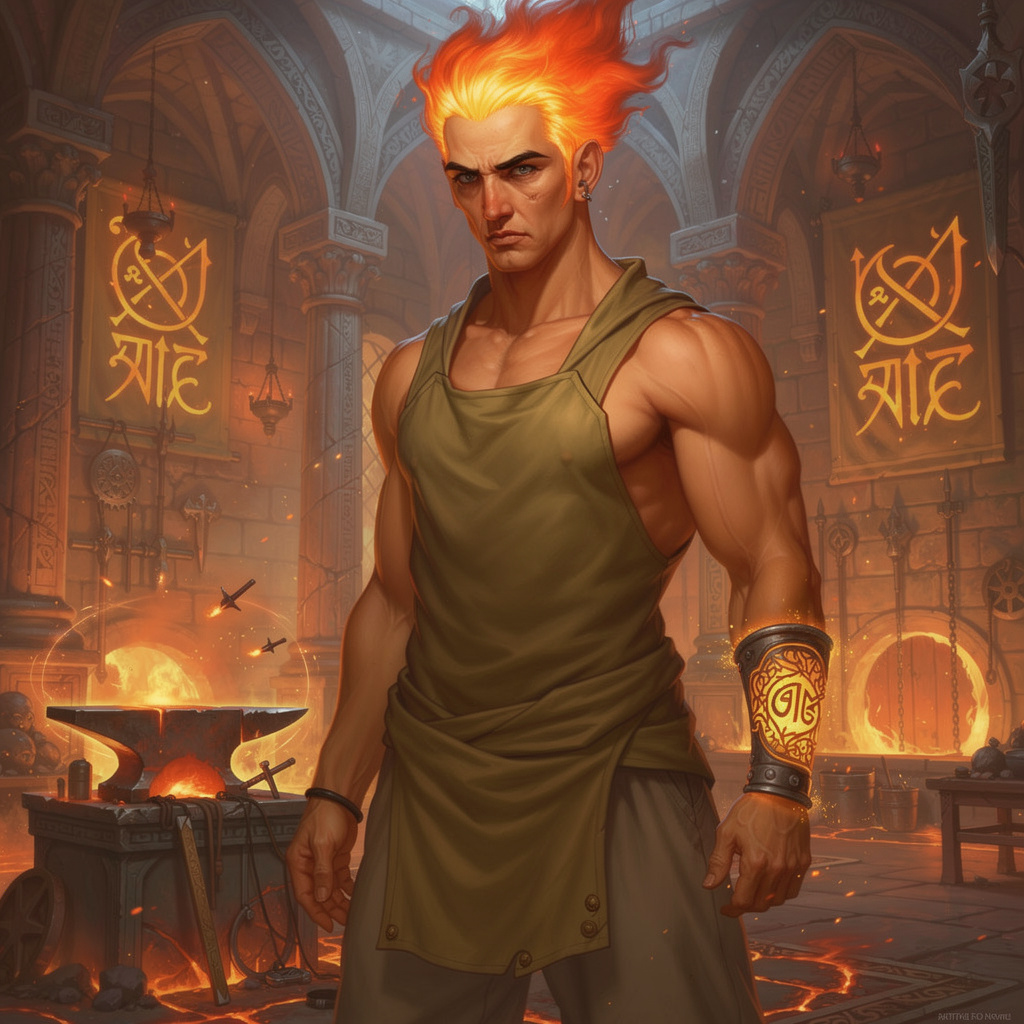
Generate a few options, pick your favorite, hit Set as Primary. Done.
Now go channel the elements.